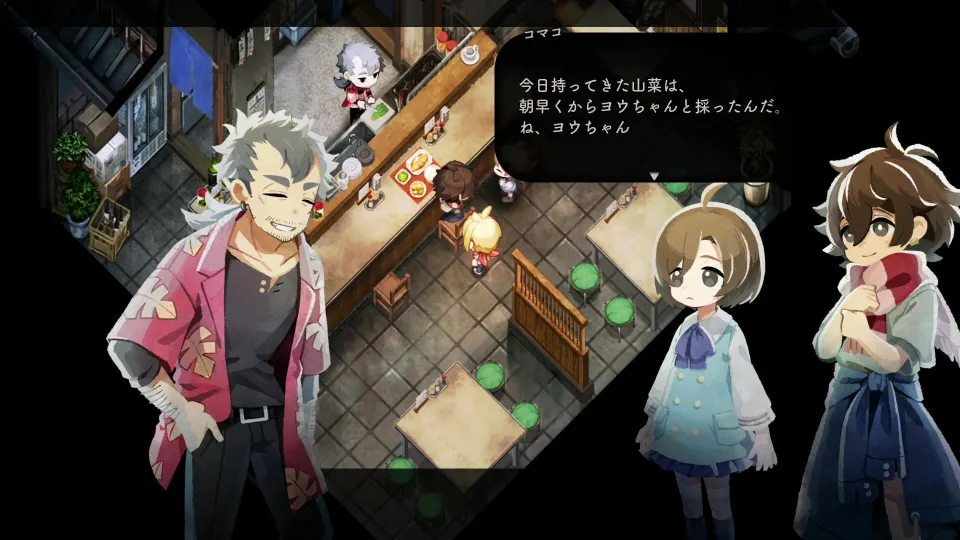
Village in the Shade character customization includes hairstyles, clothing, and accessories, as confirmed by NIS America. You select an initial appearance when starting the game. For later outfit changes, Bonus Action reports that you need to build and use a vanity; Chinana sells additional outfits near the General Store on certain days.
Starting appearance options
The opening character editor lets you establish your look before entering the village. Bonus Action describes the initial clothing selection as limited, with more distinctive outfits available later. LadiesGamers’ review also describes a relatively modest starting selection.
A YouTube playthrough shows separate settings for bangs, the rest of the hairstyle, hair color, outfit, neckwear, and accessories. Hairstyles shown include ponytails, a bun, longer cuts, and bobs. In that player's setup, the outfit choices appear as shirt-color variations, while the neckwear setting changes the bandana color.
The accessory setting displays no available items during that recorded setup. That does not mean accessories are absent from the game: the official character page explicitly confirms them as part of customization.
Reported hairstyle and color counts
NIS America confirms hairstyle customization without publishing an option count on its character page. The specific numbers below come from Chika Ogiue’s September 1 Steam discussion reply, rather than an official specification.
| Setting | Options reported by Chika Ogiue |
|---|---|
| Bangs or front hair | 8 choices |
| Back hair | 12 choices |
| Hair color | 18 presets, plus a color slider |
The Steam report describes front and back hair as separate selections. This gives you more control over your hairstyle than choosing a single complete preset.
These counts are community observations. Identical totals across every version have not been officially confirmed, and the report does not establish that every hairstyle works with every accessory.
How to buy and change outfits
According to Bonus Action’s walkthrough, Chinana sells new outfits near the General Store on certain days. Buying clothing and changing into it are separate steps: the walkthrough says you must build and interact with a vanity to switch outfits.
To update your appearance:
- Visit Chinana when she is selling goods near the General Store.
- Purchase an outfit you want to wear.
- Build a vanity when it becomes available through your progression.
- Interact with the vanity to change your clothes.
Furniture terminology differs between accounts. Bonus Action calls the furniture a vanity, while Chika Ogiue’s earlier Steam reply calls it a wardrobe. Both describe building furniture for later appearance changes. Follow the item label displayed in your game rather than assuming those names mean you need two separate pieces.
The Steam player also reports that this furniture allows you to revisit the available character appearance settings, including hair. Bonus Action specifically confirms its use for changing clothing. A guaranteed unlock day, construction recipe, and material cost have not been officially confirmed.
Skin tone, eye color, and accessory restrictions
Chika Ogiue reports that skin tone and eye color cannot be changed. The YouTube playthrough likewise shows the player looking for a skin-color setting without finding one. NIS America’s character page confirms hair, clothing, and accessories but does not promise skin-tone or eye-color controls.
The same Steam reply warns that certain accessories cannot be worn with particular hairstyles. If an accessory will not equip, check your selected hair and try another style through the appearance-changing furniture.
No complete compatibility chart has been officially confirmed. Choose your preferred accessory and hairstyle together in the customization interface before committing to a particular combination.